
모바일 시설
관제 서비스비디앱
비디앱을 설치하여 실시간 화재 알림, 설비 경보 및 모니터링 업데이트를 받아보세요.


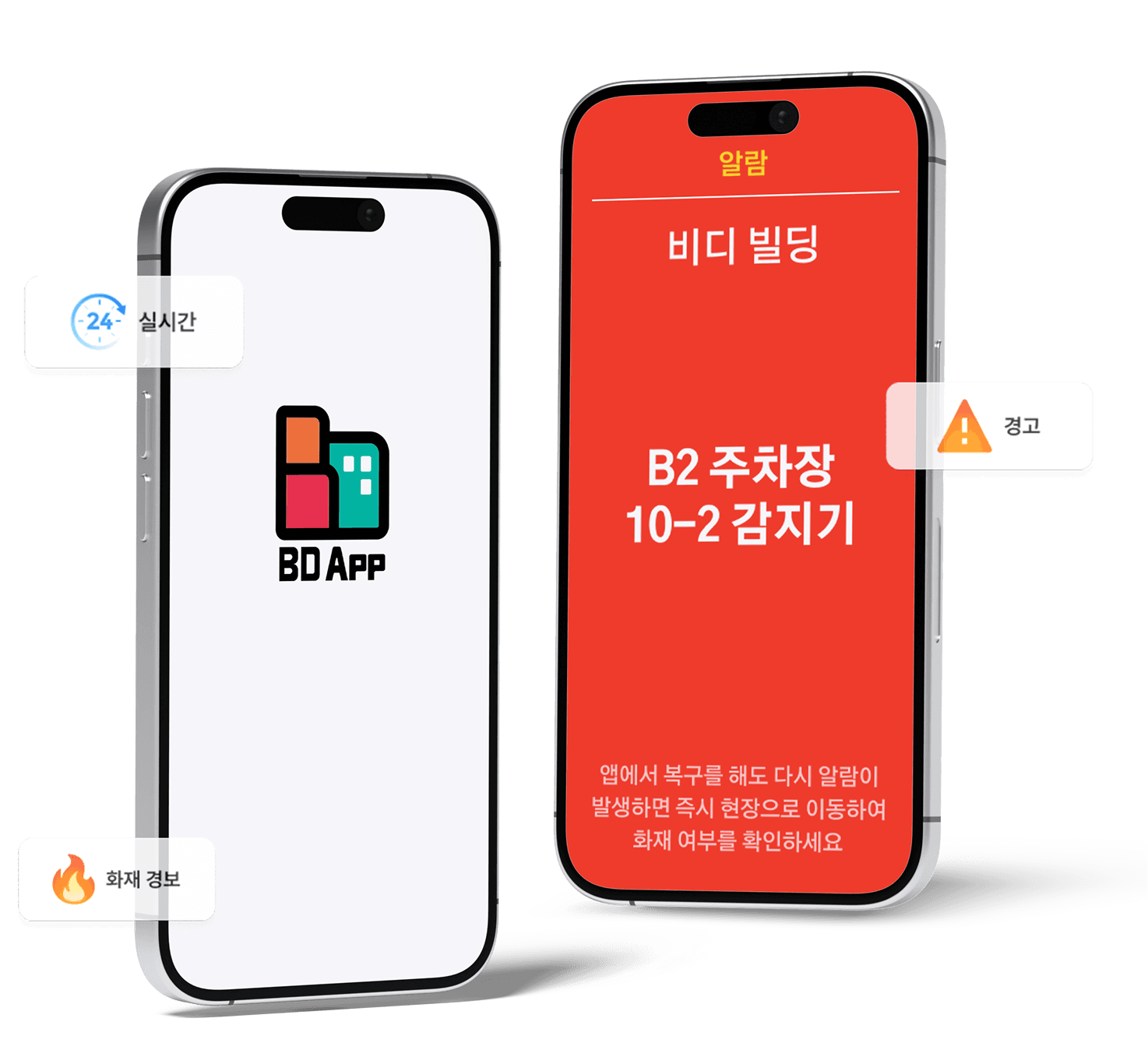
비디앱 시작하기
아래 단계를 따라 모바일에서 BDApp을 이용해 보세요.

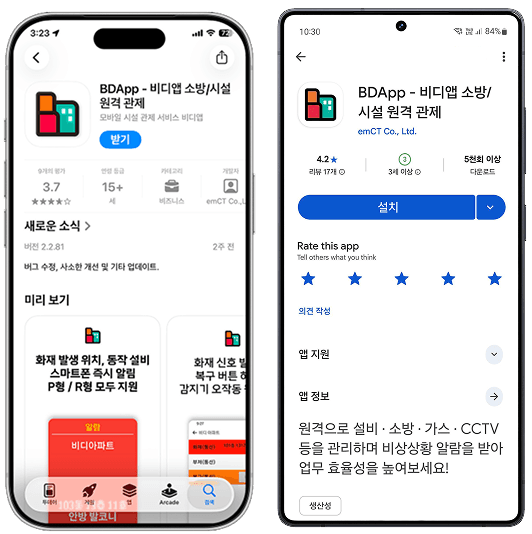
비디앱 다운로드
애플 앱스토어 또는 구글 플레이스토어에서 비디앱을 다운로드하세요.

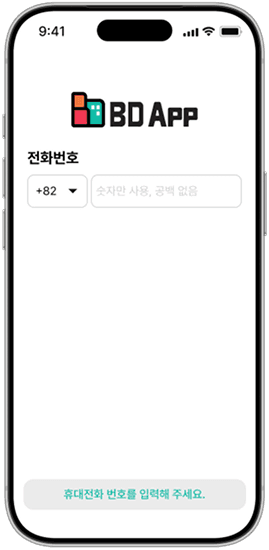
휴대폰 번호로 로그인
비디앱을 실행한 후 등록된 휴대폰 번호를 입력하세요.

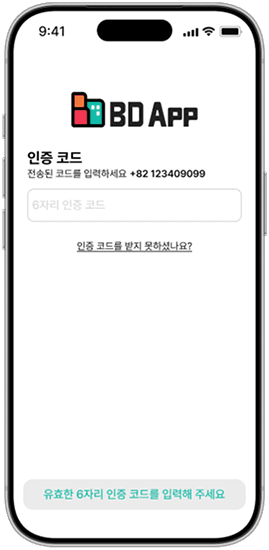
인증번호 입력
휴대폰으로 전송된 인증번호(OTP)를 입력하세요.

완료
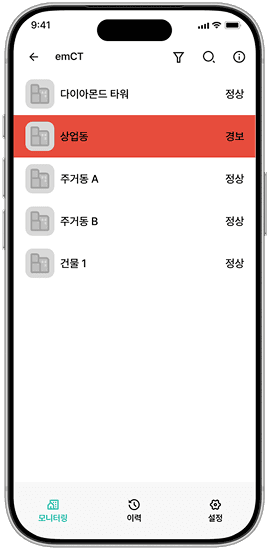
로그인이 완료되었습니다. 이제 등록된 시설을 모니터링하고 실시간 알림을 받아보세요.
자주 묻는 질문
앱 다운로드 및 로그인 방법에 대해 회원님들이 가장 많이 물어보신 질문들을 정리했습니다.

아직 등록된 계정이 없습니다. 비디앱을 어떻게 사용할 수 있나요?
고객님의 건물에 BDApp 설치 시 설치기사가 관리자 계정을 제공합니다. 관리자 계정을 가진 분께 사용자 추가를 요청해보세요. 관리자 계정으로 사용자를 추가하려면 1) 화면 상단의 정보(ⓘ) 아이콘을 누른 후 2) 건물 정보가 표시되는 화면에서 사용자 아이콘을 눌러 새 사용자를 추가하세요. 새 사용자를 추가하면 추가 시 입력한 전화번호로 초대문자가 발송됩니다.

사용자를 추가했는데 초대 문자(SMS)를 받지 못했습니다.
초대 문자를 다시 보낼려면 관리자 계정으로 초대를 취소하고 사용자를 재등록하면 초대문자가 재전송됩니다.
도움이 필요하신가요?
고객지원팀으로 문의해 주세요.

cs@bdapp.ai
궁금하신 점이나 의견을 남겨주시면
신속히 답변드리겠습니다
 보내기
보내기
Phone
1855-1317
고객센터와 언제든지 직접 통화 가능합니다
 전화
전화
KakaoTalk
비디앱 - 시설 통합 관제 서비스
아래 카카오톡 상담하기 버튼으로 문의를 남겨주시면,
확인 후 신속히 답변드리겠습니다.
 카카오톡으로
 상담하기